Best Multiplayer Mods
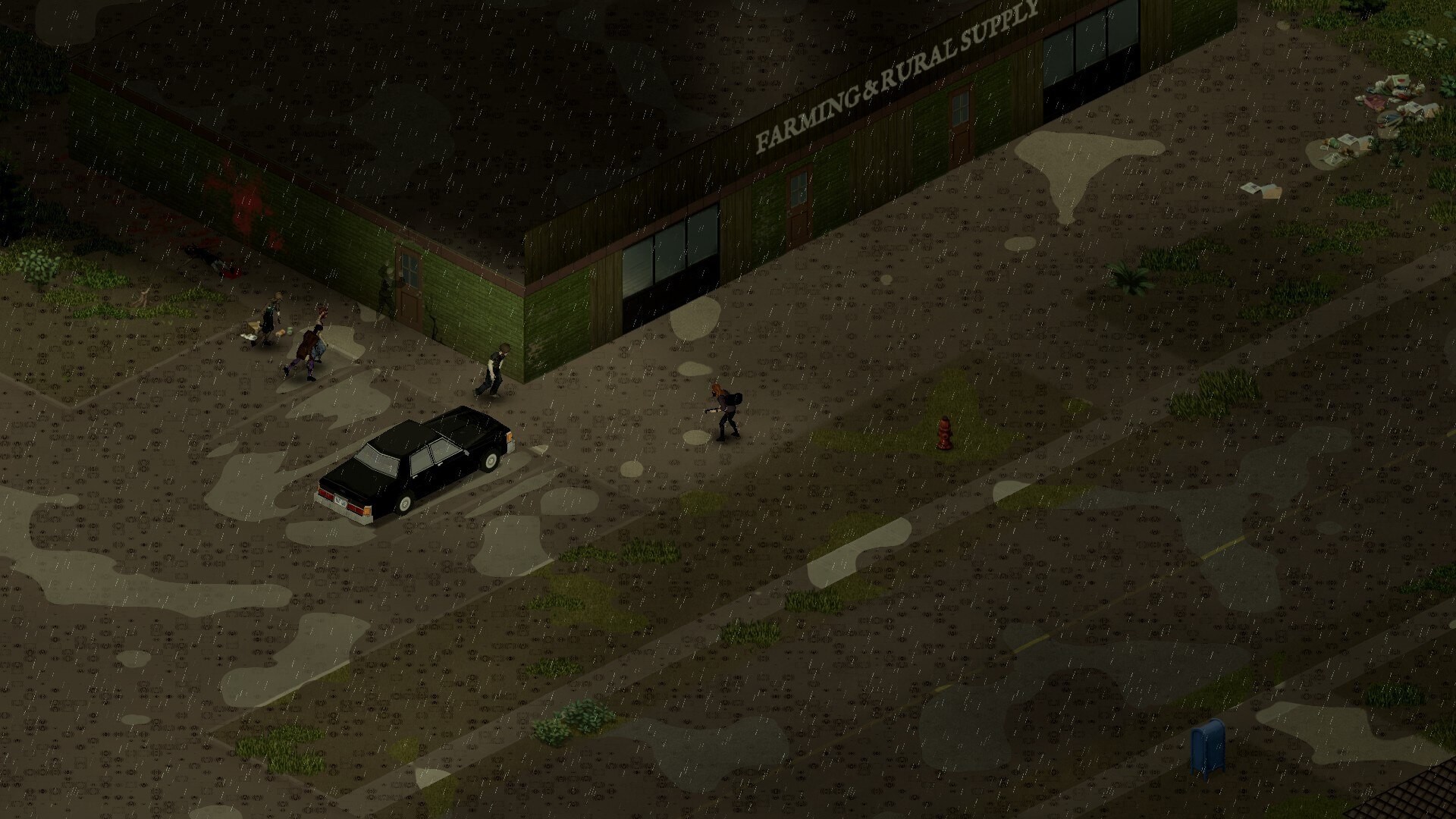
A mod that works fine alone can become a server problem when ten people use it. Multiplayer mods should be stable, understandable, and easy to explain to new players.
Multiplayer Mods Need More Discipline
Single-player modding only risks your own save. Server modding risks everyone’s. Every mod you add is something each player must download, keep updated and occasionally troubleshoot — so the bar for "worth it" is much higher.
Good Multiplayer Mod Types
- Admin tools
- Map tools
- Safehouse and claim improvements
- Better vehicle variety
- Roleplay clothing
- Quality-of-life interface improvements
- Server event tools
Risky Multiplayer Mod Types
- Huge weapon packs with unbalanced loot
- Mods that change core professions or traits
- Mods with outdated dependencies
- Mods that add heavy map changes mid-save
- Mods that require every player to manually troubleshoot files
Server Owner Rule
Before adding a mod to a live server: test it on a private save, check the comments and update date, read the dependency requirements, verify multiplayer compatibility, and back up the server. Skipping any of these is how a community loses a week of progress.
Survivor Tip
“Do not trust a single queasy moodle. Stress feels a lot like infection.”