Best Server Settings
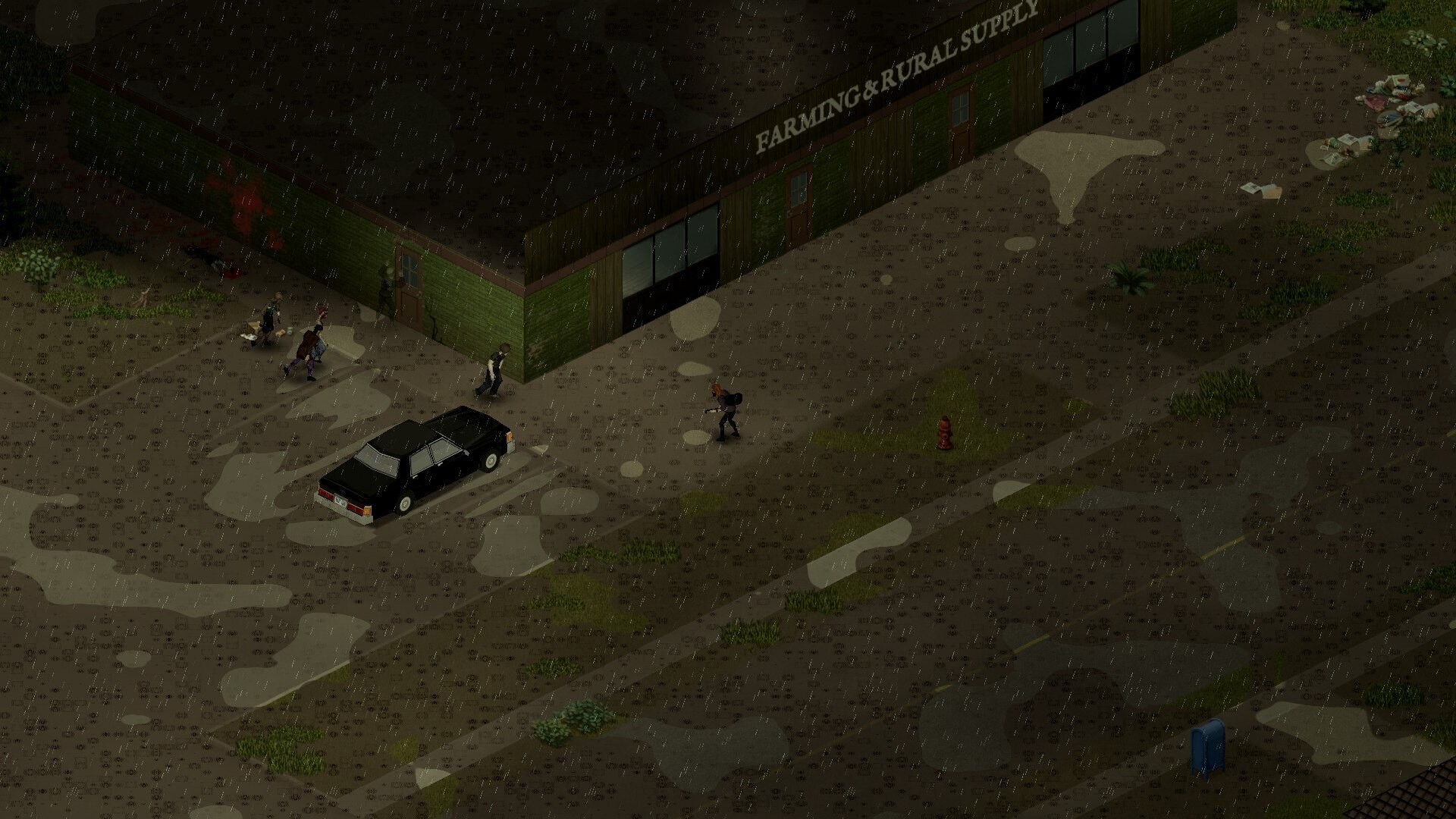
A Project Zomboid server is not just hosted gameplay. The settings decide whether the world feels like a tense survival story, casual co-op, PvP chaos, or a roleplay colony.
Settings Decide The Server’s Personality
Before touching a single slider, decide what kind of story you want the server to create. Every setting below should serve that decision — a tense survival epic and a casual hangout server need almost opposite configurations.
Beginner-Friendly Co-op Settings
- Lower initial zombie population
- Slower population peak
- More forgiving loot
- Infection settings agreed by the group
- Multi-hit enabled if players are new
- Slightly improved vehicle condition
- Safehouse protection enabled
Hardcore Survival Settings
- Higher zombie population
- Rare loot
- Longer respawn pressure
- Harsher weather
- Limited safehouse abuse
- Stricter death consequences
Roleplay Server Settings
- Safehouse systems enabled
- PvP controlled by rules
- Loot respawn carefully tuned
- Profession diversity encouraged
- Admin event tools available
- Slower progression
PvP Server Settings
- Clear, written PvP rules
- Safehouse protection limits
- Anti-grief rules
- Loot scarcity tuned carefully
- Balanced vehicle access
- Admin logging and moderation tools
Settings That Need Care
- Loot respawn
- Zombie respawn
- Safehouse claiming
- Fire spread
- PvP damage
- Infection mortality
- Day length
- Sleep requirements
- Car spawn condition
These are the settings that quietly reshape the whole experience. Change them deliberately, one at a time, and tell your players when you do.
Survivor Tip
Survivor TipDo not copy random server settings blindly. Decide what kind of story you want the server to create, then tune the settings around that.
Survivor Tip
“Clear your escape route before looting any building.”