Mod Load Order
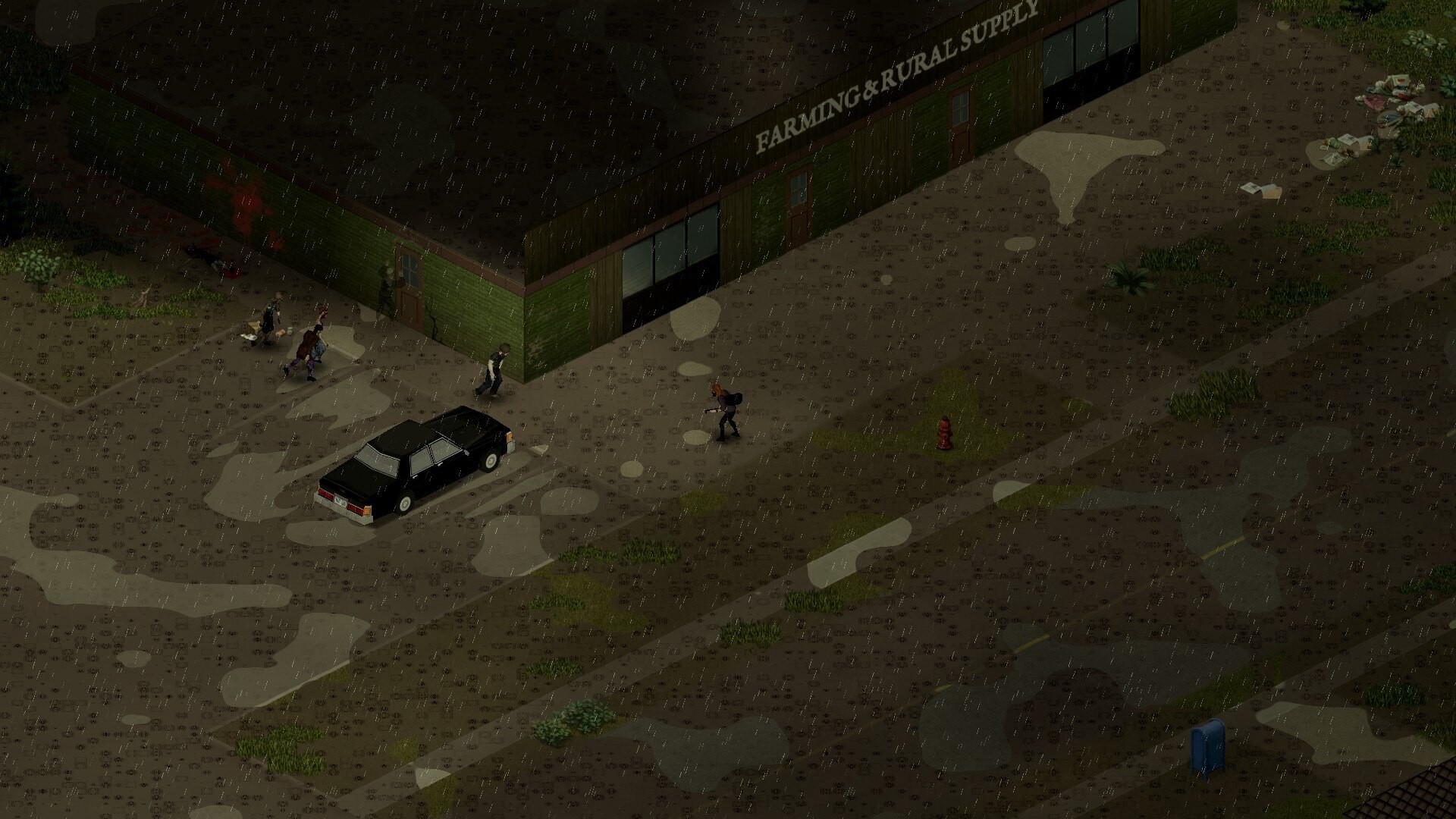
Project Zomboid modding is powerful, but load order and dependencies matter. When mods touch the same systems, one can override or break another.
Load Order Is Damage Control
Load order will not make a bad mod list good. What it does is decide which mod wins when two of them touch the same system — and getting that wrong is how saves quietly corrupt.
Practical Rules
- Install dependencies before the mods that need them
- Add big system-changing mods slowly, one at a time
- Avoid adding map mods to a world that is already explored
- Keep written notes on what you changed and when
- Test thoroughly before committing to a long-term save
- Back up saves before any major mod change
Beginner Mistake
Beginner MistakeAdding twenty mods at once feels efficient. It is not. It just guarantees that when something breaks, troubleshooting will be impossible.
Survivor Tip
“Clear your escape route before looting any building.”